How to Set Up a Wholesale Inquiry Form on Squarespace
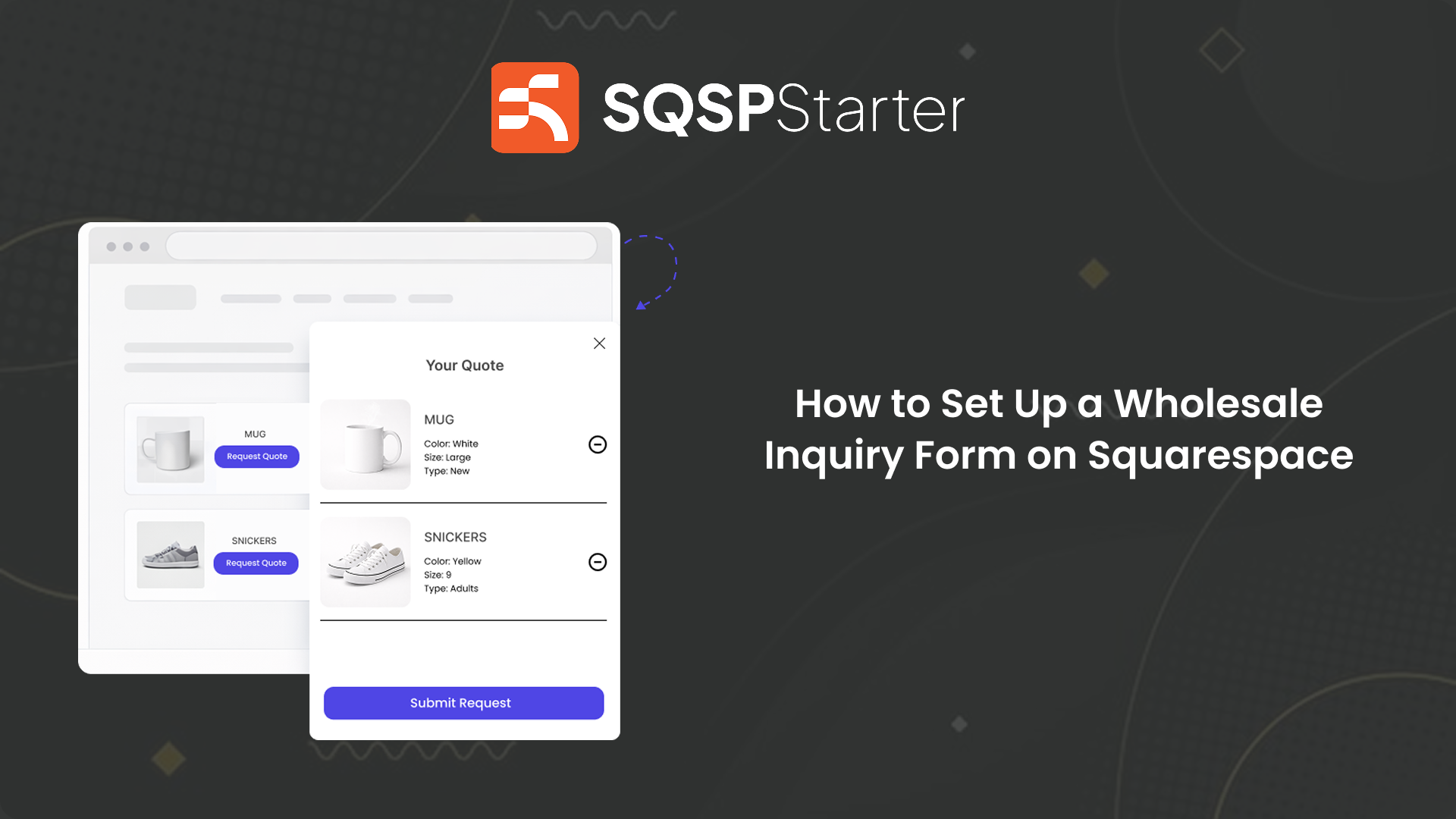
If you run a wholesale or B2B store on Squarespace, you already know the problem.
Your buyers don't want to check out at retail price. They want to negotiate. They want to order in bulk. They want an invoice — not a payment receipt.
But Squarespace only gives you two options: checkout or a contact form.
Neither works for wholesale.
Why Squarespace's Default Options Fail Wholesale Sellers
The checkout problem: Wholesale buyers won't pay retail upfront. Sending a B2B buyer through a standard checkout signals that you don't really do wholesale.
The contact form problem: Too vague. The buyer sends a message, you have no idea what products they want, in what quantities, or which variants. You spend days going back and forth just to collect basic information.
What you actually need: A form attached to your products — so when a buyer submits an inquiry, you get their contact details, the exact products, quantities, and variants, all in one structured request.
The Fix: A Wholesale Inquiry Form on Squarespace
The cleanest solution is adding a "Request Wholesale Price" button directly to your product pages.
Instead of checkout, buyers:
Browse your products
Add items to a quote list
Submit everything as one structured inquiry
You receive a clean, complete request — ready to respond with an accurate quote.
How to Set It Up (Under 60 Seconds)
QuotePlugin adds this wholesale inquiry flow to any Squarespace store.
Step 1 — Start your free trial Go to quoteplugin.com and start your 14-day free trial. No credit card required.
Step 2 — Add the code to Squarespace Copy your embed code. In Squarespace go to: Settings → Advanced → Code Injection → paste into the header.
Done. The button appears on your product pages automatically.
Step 3 — Rename the button From your QuotePlugin dashboard, set the label to match your B2B context:
"Request Wholesale Price"
"Get a Bulk Order Quote"
"Enquire for Trade Pricing"
Step 4 — Set your notification email Enter where you want wholesale inquiries sent. Customise the sender name so replies look professional.
Step 5 — Connect Google Sheets (optional) Every inquiry gets logged automatically. Useful if you're managing multiple wholesale accounts.
What You Receive From Each Inquiry
When a wholesale buyer submits, you get:
Their name and contact details
Every product requested — including variants and quantities
Any additional notes (delivery requirements, special requests)
A timestamp for your records
No chasing. No follow-up emails just to gather basic information.
Who This Is For
This setup works best for:
Trade and wholesale suppliers who negotiate pricing before confirming orders
Manufacturers and distributors selling to retailers or resellers
Print and branded merchandise businesses where specs vary per order
B2B sellers whose buyers need an invoice, not a checkout receipt
Businesses with tiered pricing where the price depends on volume
If that's you, your current Squarespace setup is probably losing you wholesale inquiries every week.
Does It Break Your Existing Checkout?
No. QuotePlugin works alongside your normal checkout — not instead of it.
Retail customers still buy normally. Wholesale buyers use the quote flow. Same products, two different paths.
Ready to Accept Wholesale Inquiries on Squarespace?
Squarespace wasn't built for wholesale. But you can add a proper B2B inquiry form in under a minute — without touching your existing store setup.
Buyers get a professional experience. You get structured inquiries with everything you need to respond.